
Remote onboarding on mobile
Walk through the mobile remote-onboarding request, identity verification, questionnaire, and submission flow on a phone.
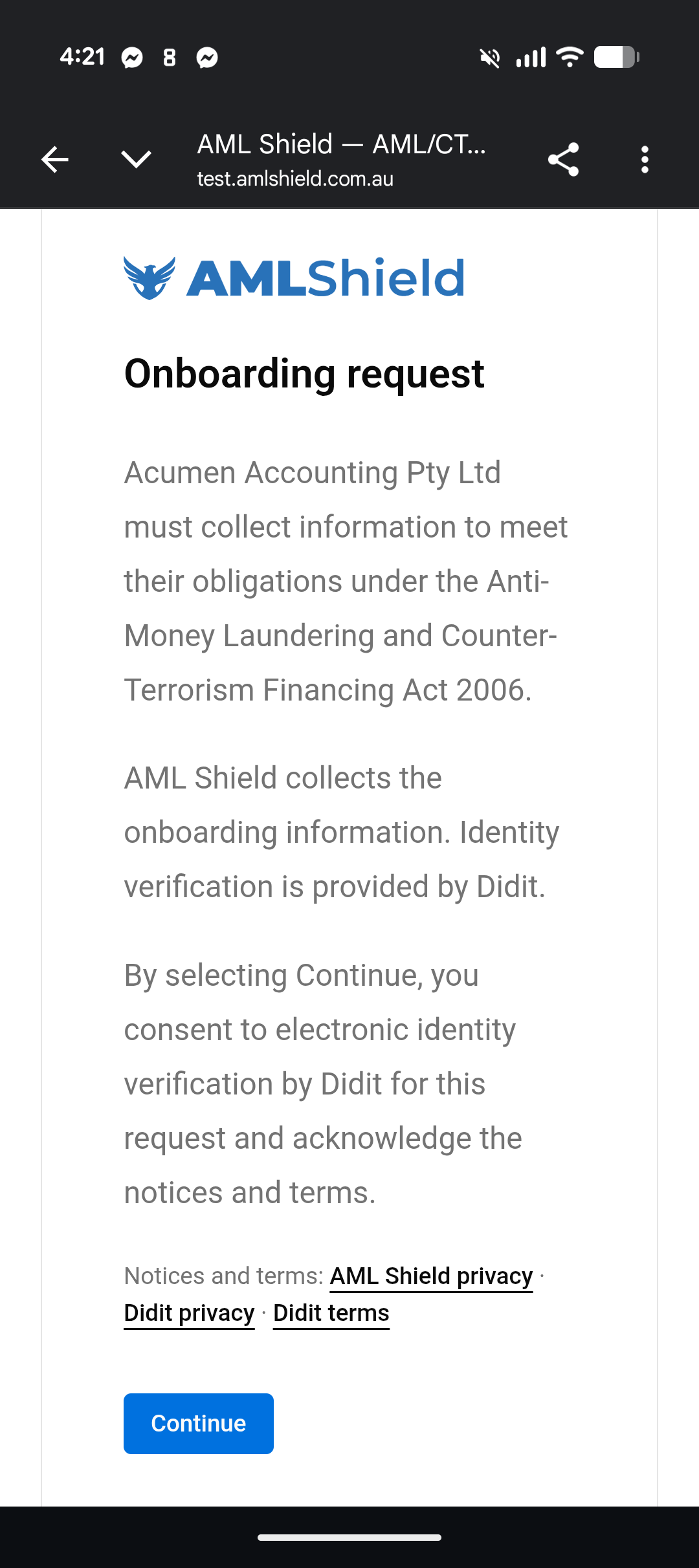
Review the onboarding request and consent text before the mobile flow continues.
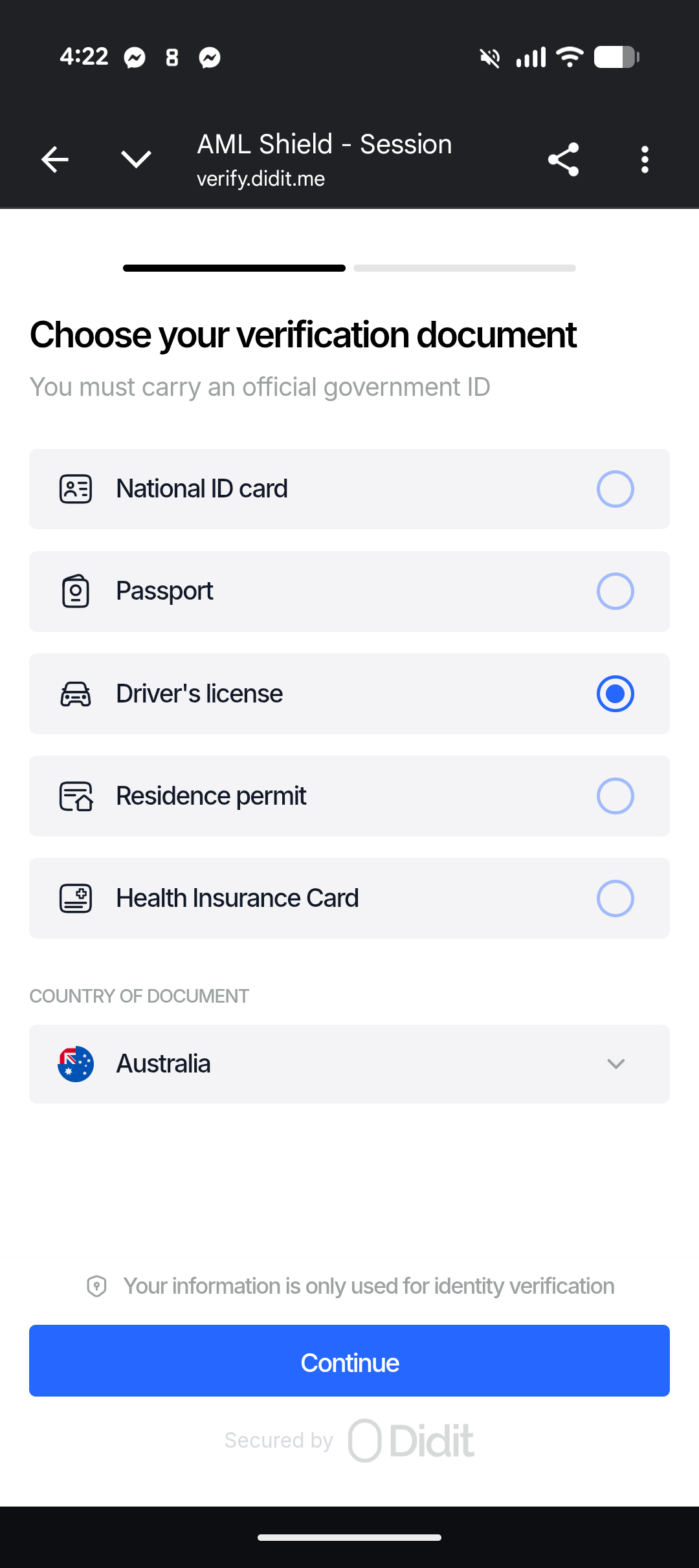
Select the document type and country before the identity verification step continues.
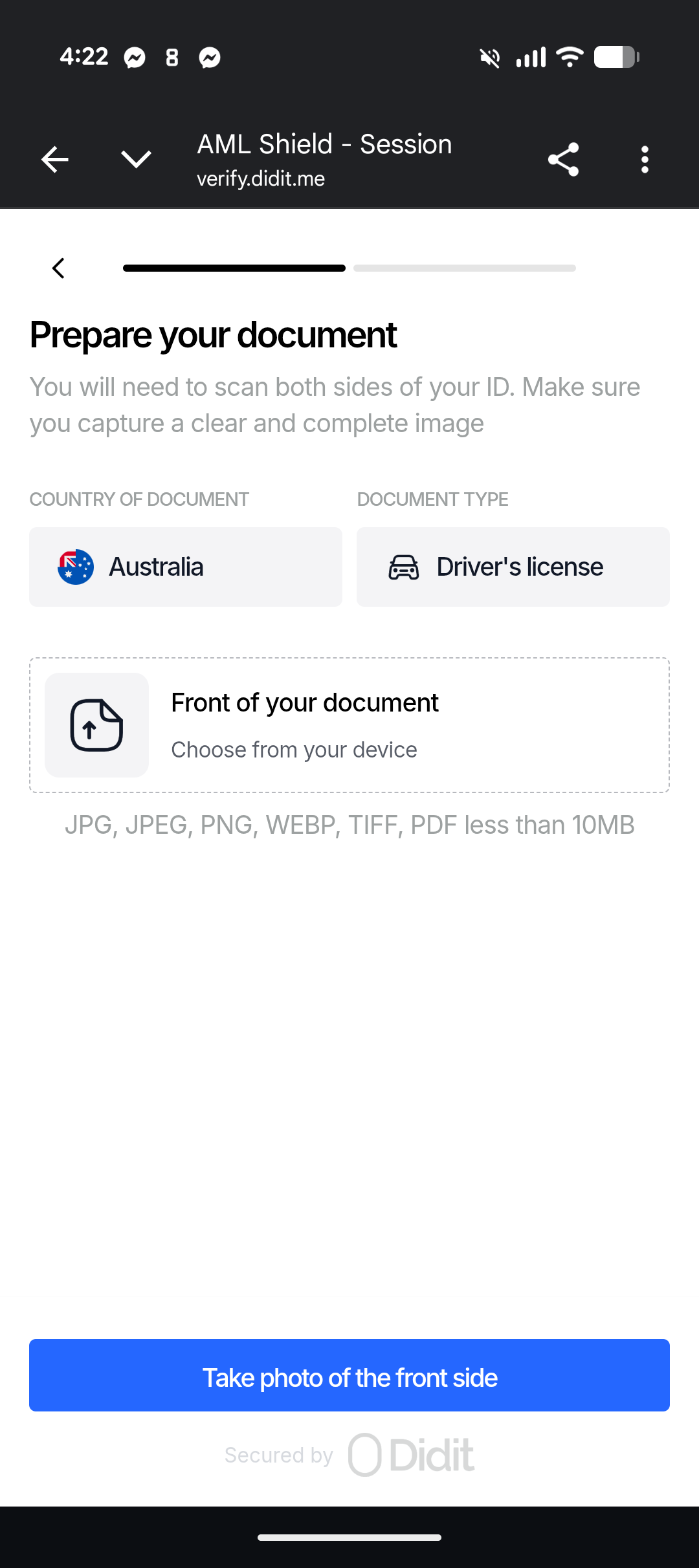
Show the document instructions and capture the front of the ID.
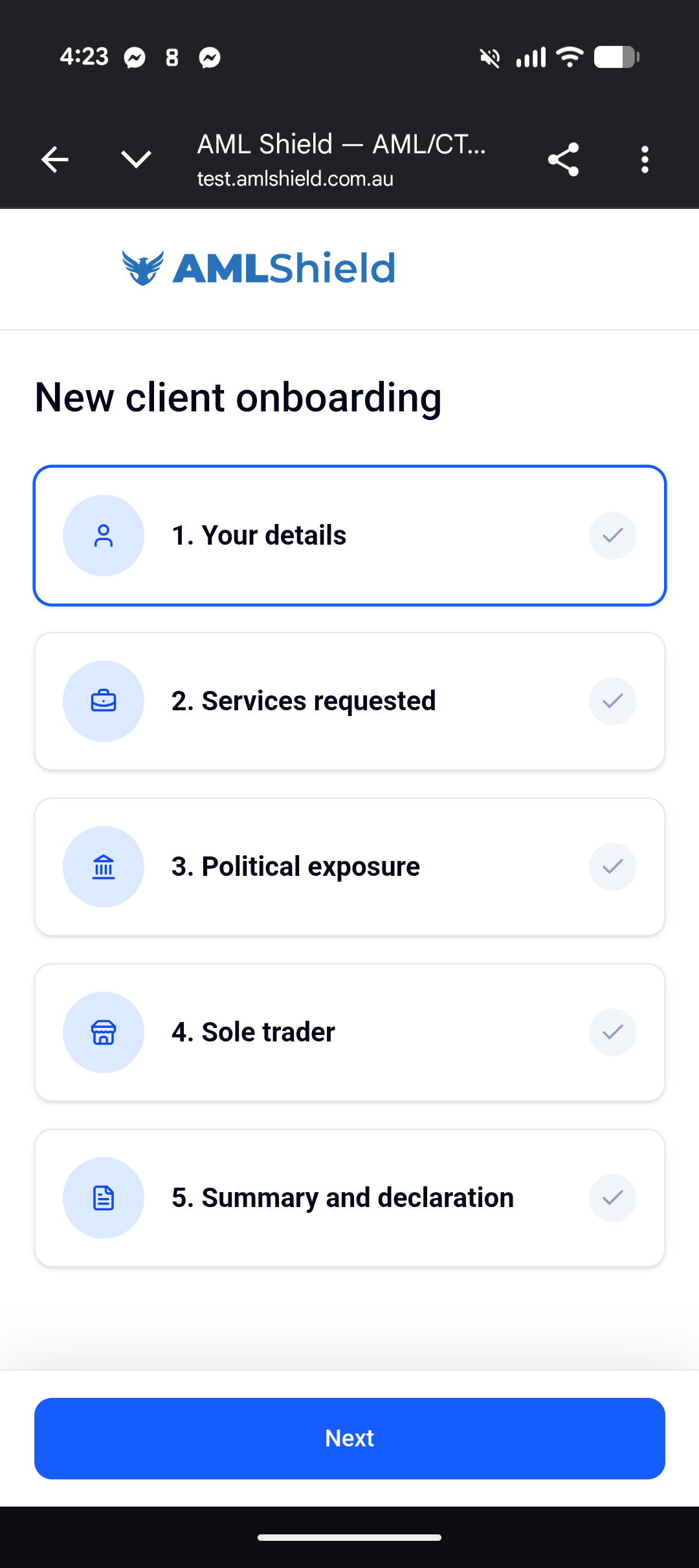
See the full mobile onboarding checklist before the individual moves through the remaining questions.
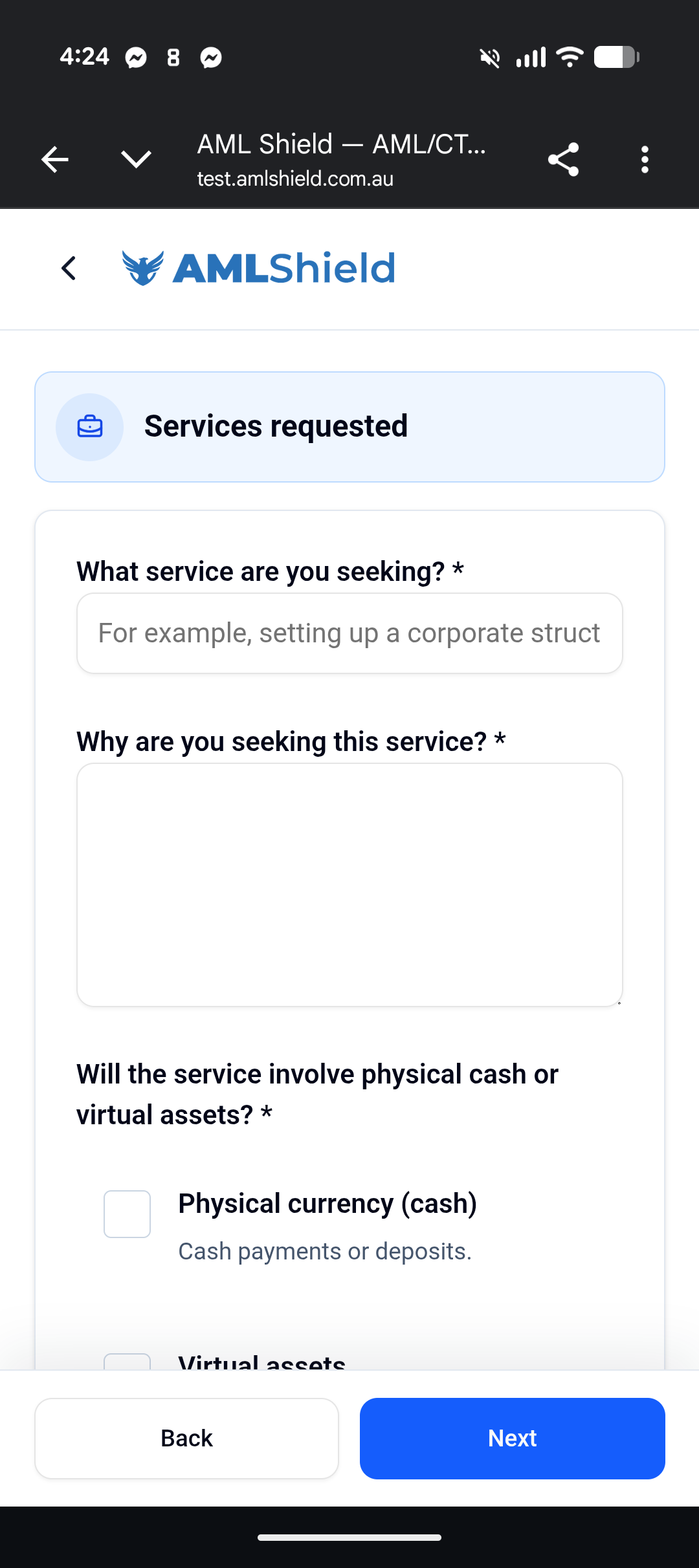
Capture the service details and why the client is seeking help.
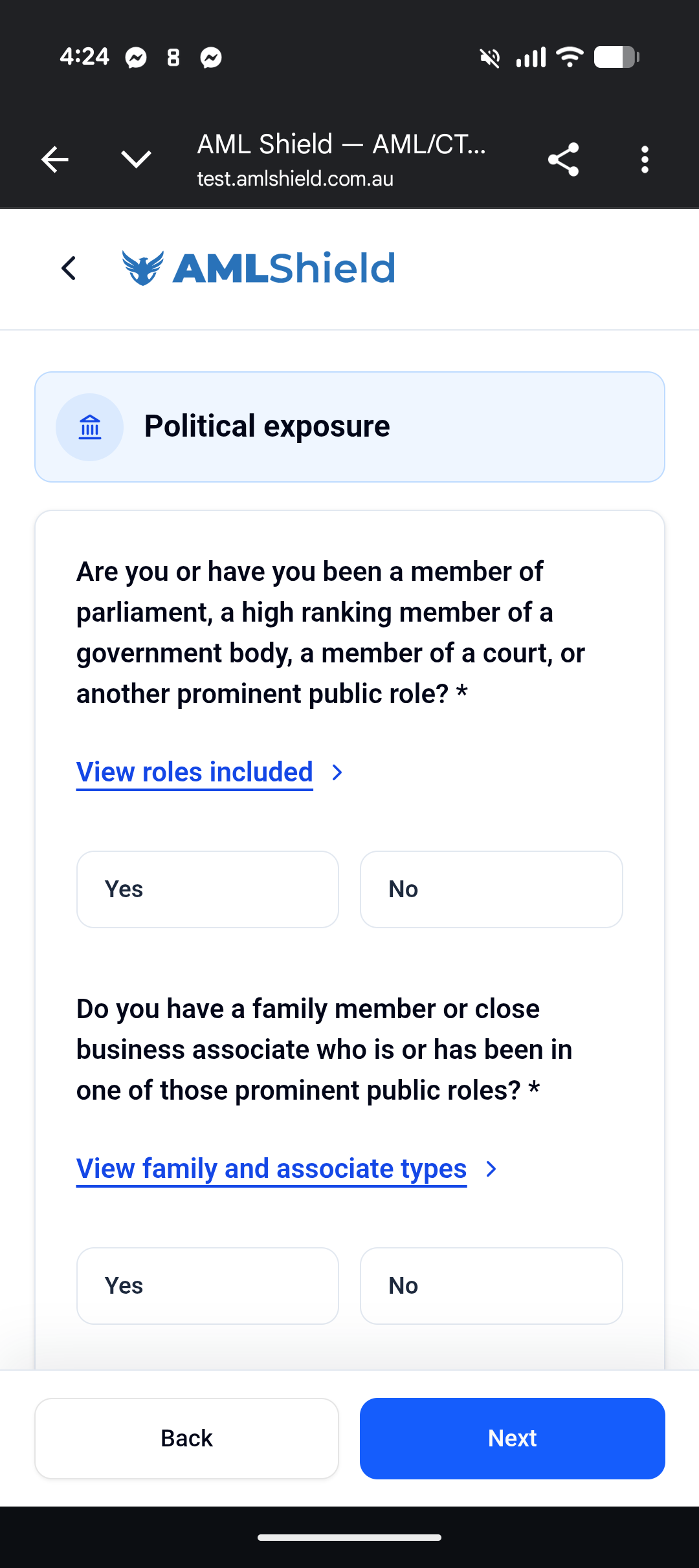
Answer the political exposure questions and review the role lists if needed.
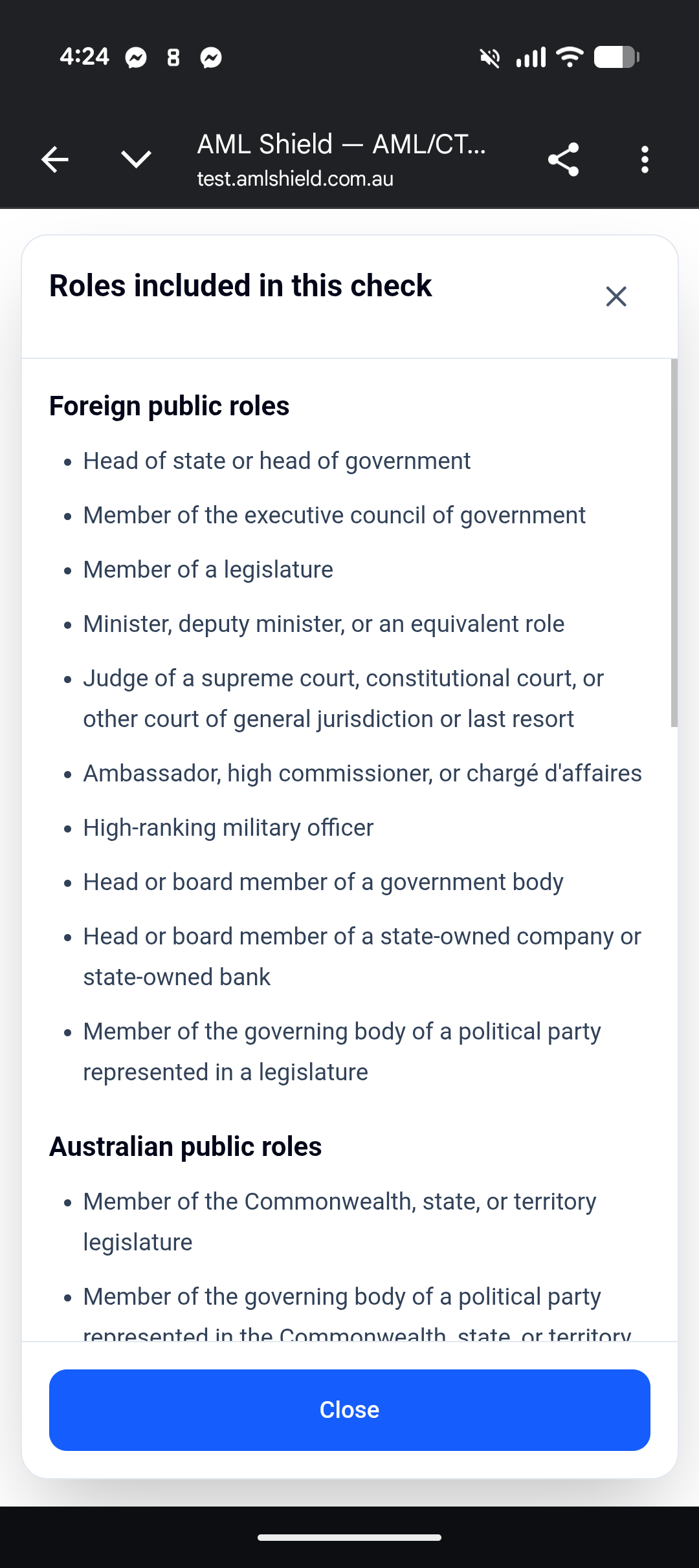
Open the role list used when the exposure question needs a definition check.
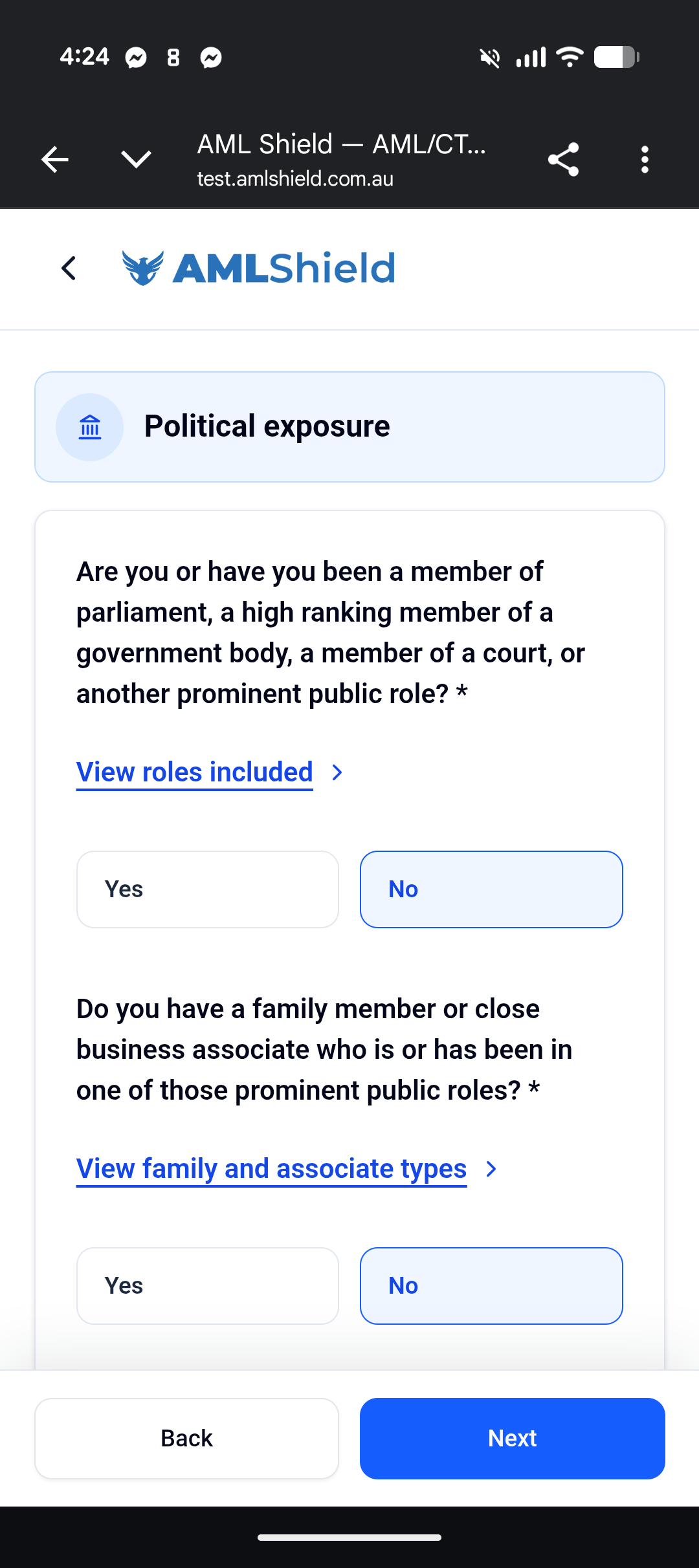
Confirm the no answer and continue once the exposure question is resolved.
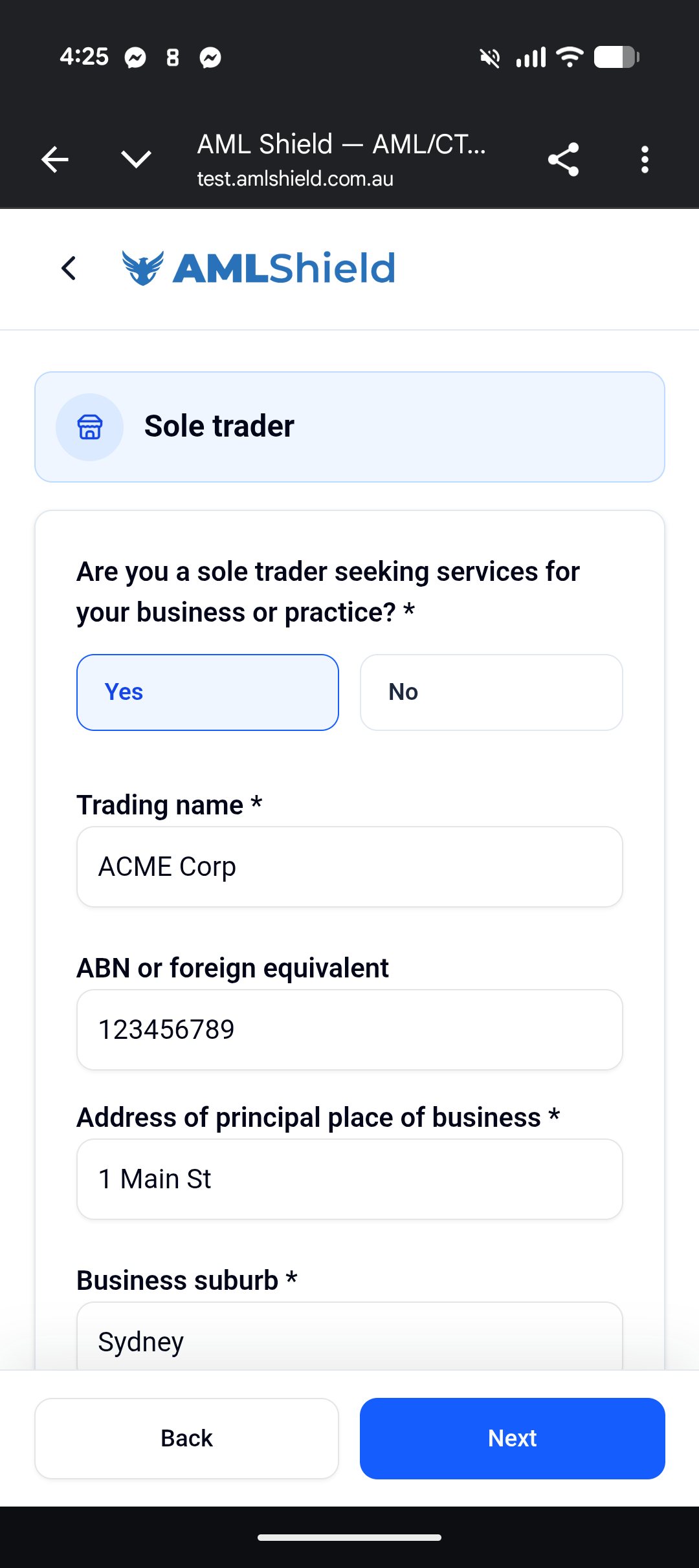
Confirm the sole trader details that will be retained with the onboarding record.
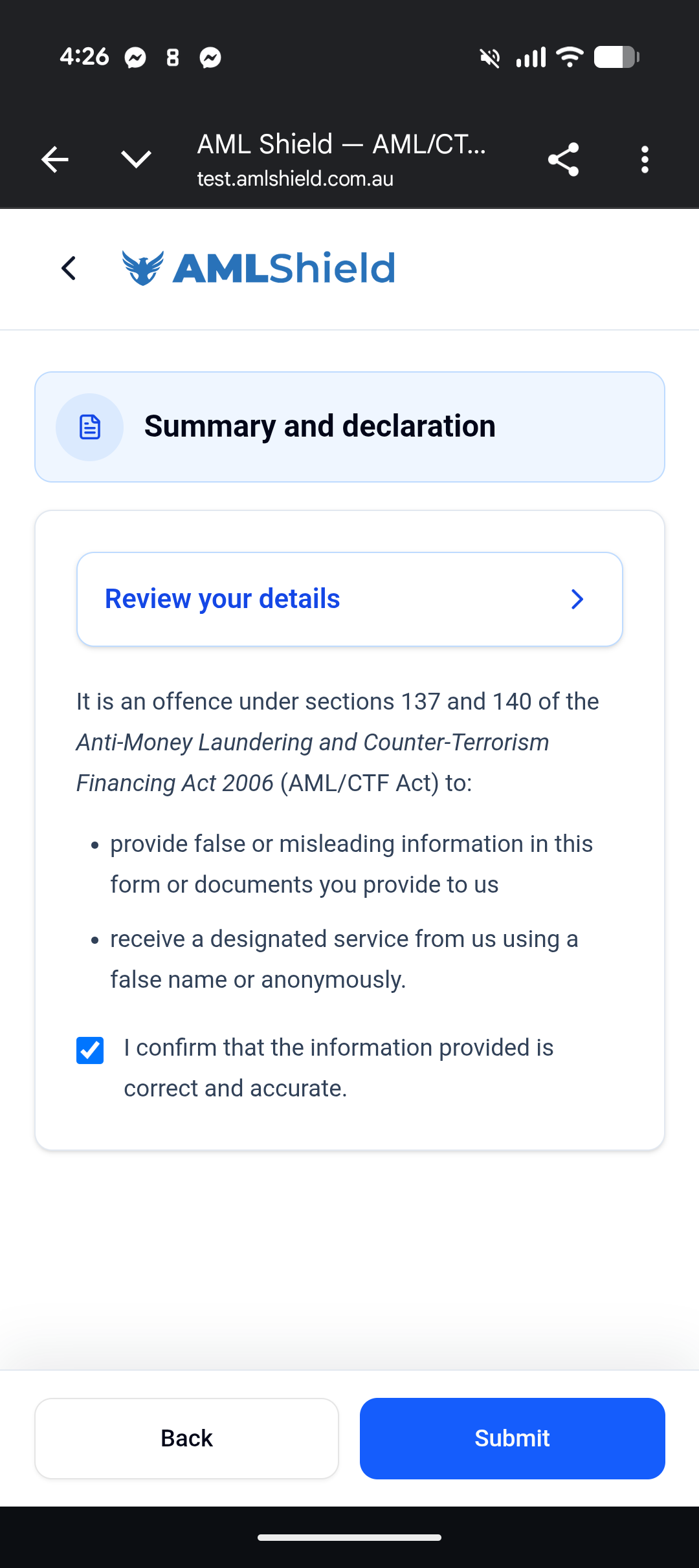
Review the declaration and confirm the onboarding details before submission.
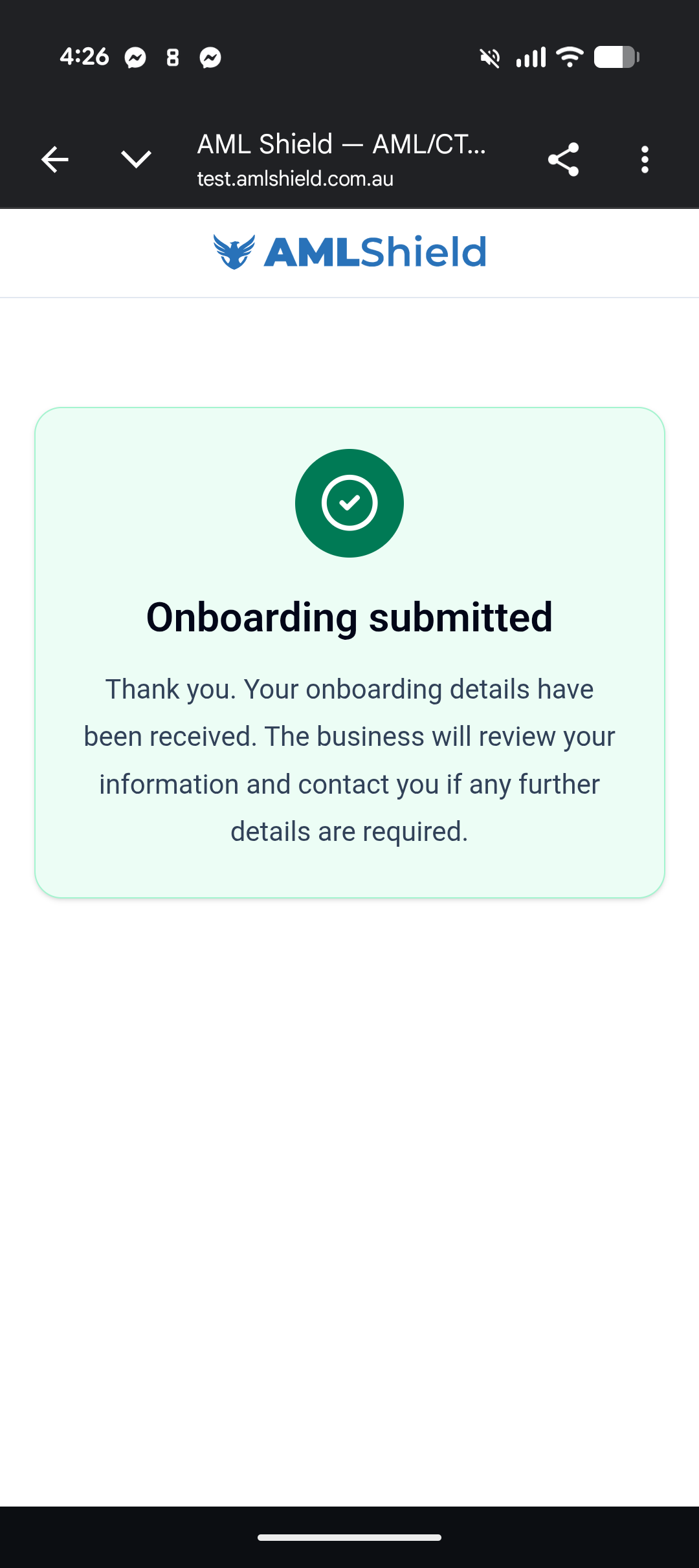
Show the completed onboarding confirmation after the mobile request is sent.
Mobile onboarding stays connected
The phone flow still needs the request, identity verification, questionnaire, declaration, and submission evidence kept together. AML Shield can keep those records aligned with the client file while the business remains responsible for the onboarding decision.
- Onboarding request and consent screen.
- Identity verification document selection and capture.
- Checklist, questionnaire, and PEP responses.
- Sole-trader details, declaration, and submission confirmation.
What gets recorded
- Onboarding request and consent record
- Identity verification session
- Questionnaire answers and PEP responses
- Sole trader details and declaration
- Submission confirmation
Why this comes next
Once the mobile onboarding is submitted, the client record can move into register tracking.